
 ★★★★★
★★★★★ ✕
✕ ★★★★
★★★★ ★★★
★★★Guide the eye with local masks
Draw a linear gradient across a sky or place a radial mask around a subject. Feather the edges for a smooth transition, and choose the inside or outside of a radial mask.
Stable 0.3.3 Free and open source Windows, macOS, Linux
Simple enough for your first camera. Serious enough for a working pro.


THE HAPPY PHOTON WORKFLOW
Move from a full card to finished photographs without turning the process into a second job.
Browse in place. Compare candidates side by side and use flags, ratings, filters, and burst grouping to narrow a shoot quickly.
COMPARE · PICK · RATECrop, straighten, correct perspective, and shape light, color, tone, and detail with non-destructive controls. Use local masks to refine light and color in selected parts of the frame.
COMPOSE · LIGHT · COLORProof the result, then create JPEG, PNG, WebP, or 16-bit TIFF copies in the sizes you need—without changing the originals.
SELECT · PROOF · EXPORTRENDERED BY HAPPY PHOTON
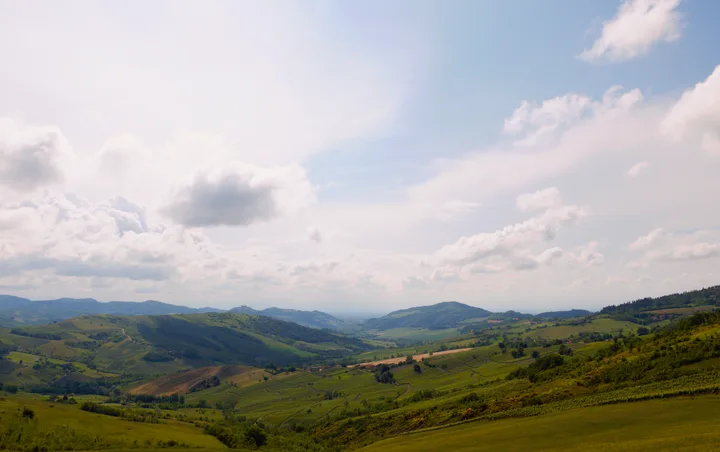
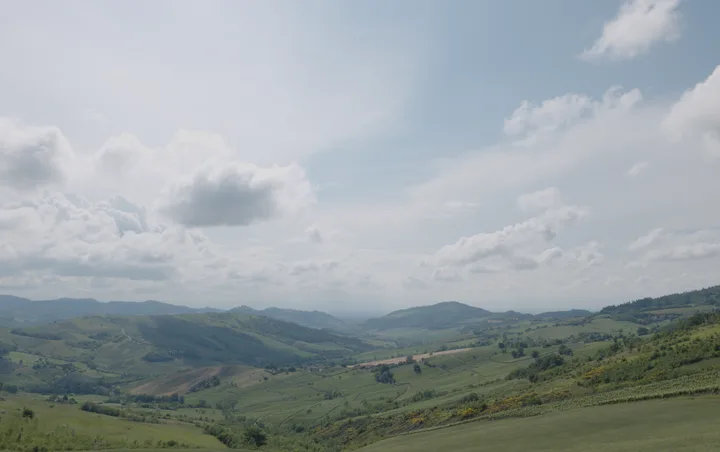
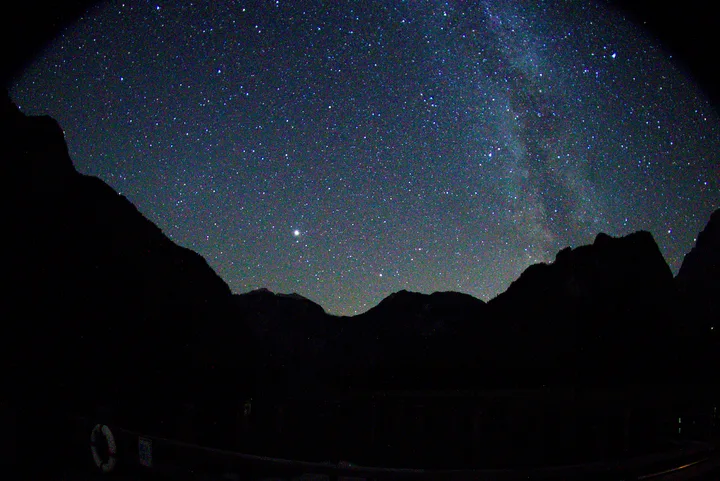
Every image on this page came straight out of Happy Photon’s export pipeline. Drag across each frame to compare the untouched default render with a few minutes of global adjustments.


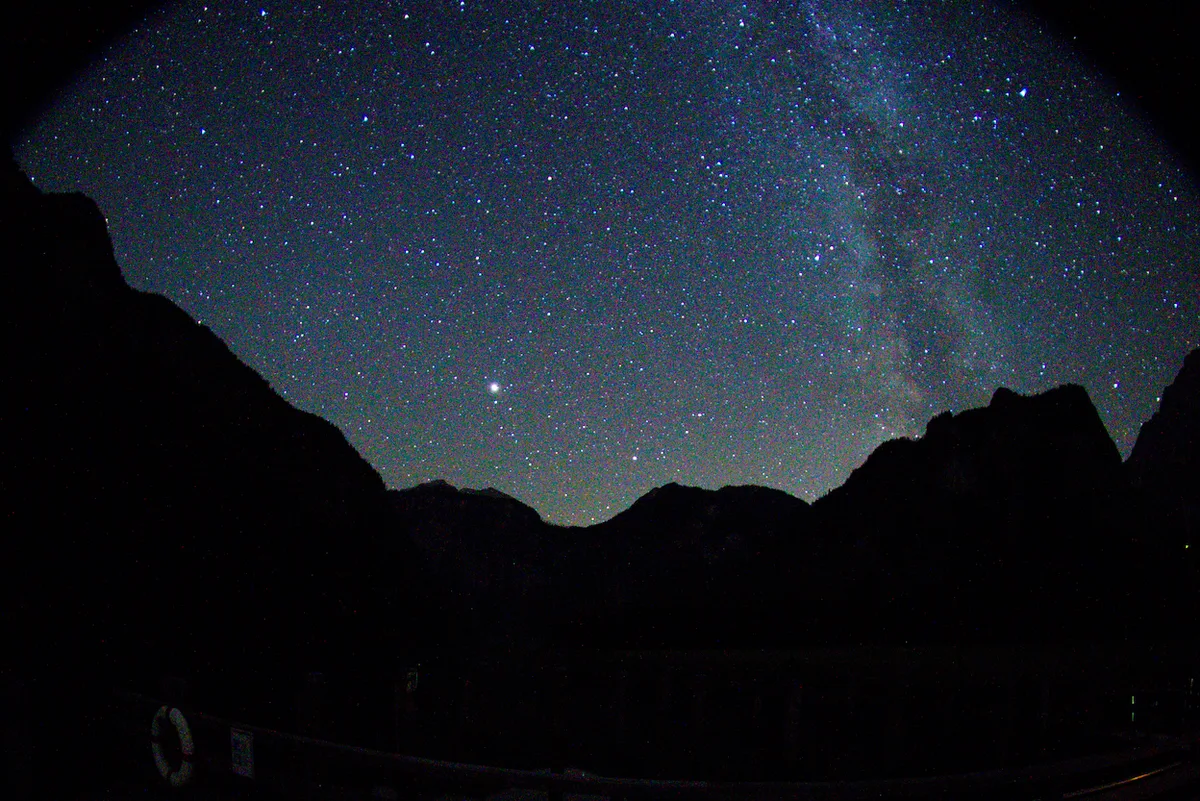
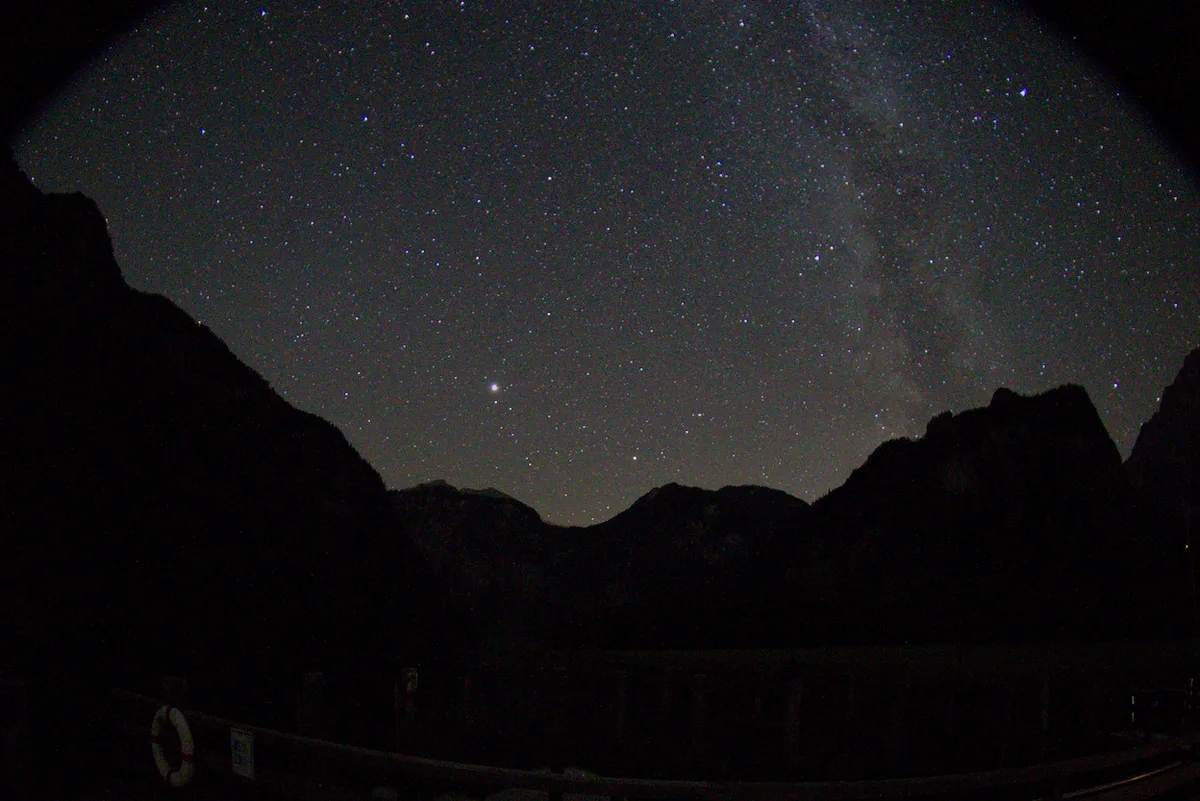
Sample RAW files are CC0 public-domain captures from raw.pixls.us and a Dryad open dataset.
FOR BEGINNERS AND PROS ALIKE
Whether you are opening your first camera folder or graduating from a heavyweight workflow, the same focused controls carry a shoot from card to finished file—and a serious image engine sits underneath when you want to push a photograph.
DEVELOP
Edit composition, perspective, white balance, light, color, tone, and detail, with lens corrections for RAW.

Open JPEG and RAW shoots without an import step.
Compare up to four photos side by side, pick, reject, rate, add color labels, filter, group bursts, and treat a RAW + JPEG pair as one capture.
Draw linear and radial masks for local exposure, warmth, tint, and saturation, with feathered edges.
Reuse looks with presets and copy/paste, and keep up to eight versions of one file.
Proof the output in the Export workspace and create new files without overwriting loaded originals.
COLOR SCIENCE UNDER THE HOOD
Image formation, creative edits, and output conversion run in a deliberate order. Preview and export share that path, so the finished file follows the photograph you developed.
Measured as-shot white balance and camera profiles
Lens corrections, highlight reconstruction, scene-referred AgX
Wide-gamut perceptual OKLCh color stage
Capture sharpening, noise reduction, grain
Embedded sRGB or Display P3 output
NEW IN HAPPY PHOTON 0.2.5
Local adjustments stay non-destructive, work with undo and redo, and carry through to your exported photographs.
Draw a linear gradient across a sky or place a radial mask around a subject. Feather the edges for a smooth transition, and choose the inside or outside of a radial mask.
Change Exposure, Temperature, Tint, and Saturation within each mask. Brighten a face, cool a background, or soften a patch of strong color without changing the whole frame.
Drag mask controls on the photograph, enter numeric geometry, or start at the center of the view. Crop and Locals tools sit beneath the histogram.
The Microsoft Store remains recommended. A Windows x64 ZIP on GitHub Releases provides a direct-download fallback with manual updates.
LOCAL-FIRST BY DESIGN
Happy Photon works with photographs where they already live. Ratings, flags, and edits are local catalog instructions—not changes written into your images.
Export creates new files and refuses any target that would collide with a loaded original.
Open a folder and work directly with the shoot.
Your catalog and edit instructions stay on your computer.
No account, subscription, product telemetry, ads, or site tracking.
PLATFORM GUIDES
Check installation, compatibility, and the complete RAW and JPEG workflow for your operating system.
WINDOWS 10 1809+ · X64
Install from the Microsoft Store, open a camera folder, and export finished copies.
Read the Windows guideMACOS 14+ · APPLE SILICON
Install the signed and notarized app on an Apple Silicon Mac and begin with a local folder.
Read the macOS guideAPPIMAGE · X64
Run the AppImage and use a local, open-source folder-to-export workflow.
Read the Linux guideAlready assessed a shoot in Lightroom Classic? Bring over ratings, flags, and color labels
OPEN SOURCE, IN THE OPEN
Happy Photon is licensed GPL-3.0-or-later. Read the source, report what feels rough, or help shape the next release.
READY FOR LAUNCH
Happy Photon is available now from the Microsoft Store, with a signed macOS release and a Linux AppImage available from GitHub.